
Virtual Reality for Factory Planning – visTable®VR
Walk through factory layouts at full scale, detect planning errors early, and create a shared understanding of future layouts.
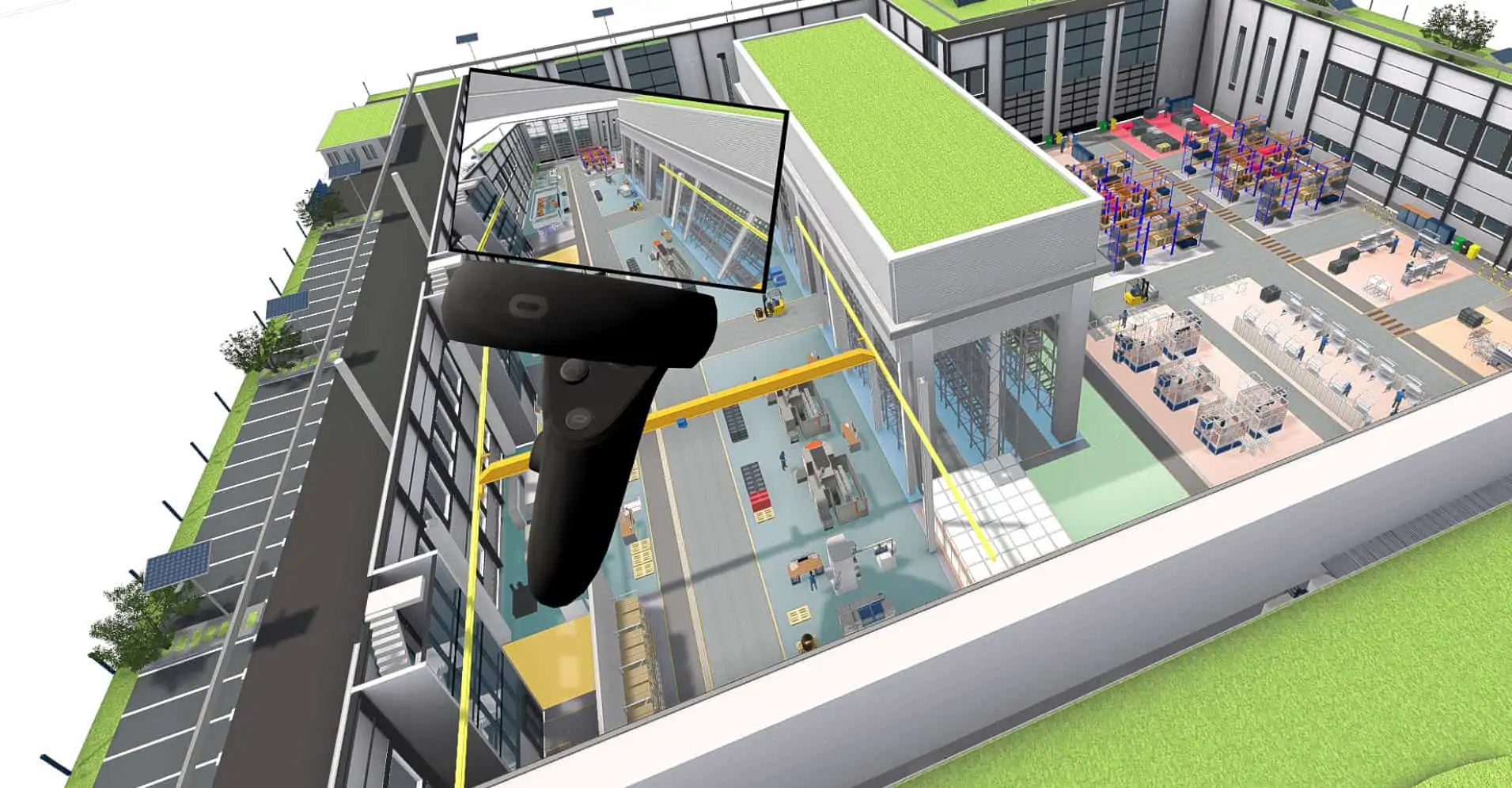
Virtual Factory Planning with visTable®VR
With visTable®VR you experience your digital factory model in an immersive 3D environment while planning is still in progress. Walk through production areas at full scale, check space conditions, sight lines, and material flows, and identify optimization potential early on.
As an integrated part of the visTable® software, visTable®VR uses your existing factory model without additional data export or separate VR applications. This turns your virtual factory into a shared planning and communication tool for project teams, management, and other stakeholders.
Experience factory layouts realistically
Detect planning errors early
Evaluate variants together
Increase planning reliability
Functions of visTable®VR
Experience factory layouts before they become reality.

Virtual factory walkthroughs

Current layout directly in VR

Evaluate production processes spatially

Intuitive navigation

Support for modern VR headsets

Presentations and reviews
How Digital Factory Planning Works with VR
2D Layout
3D Model
Layout in VR
Presentation and Decision
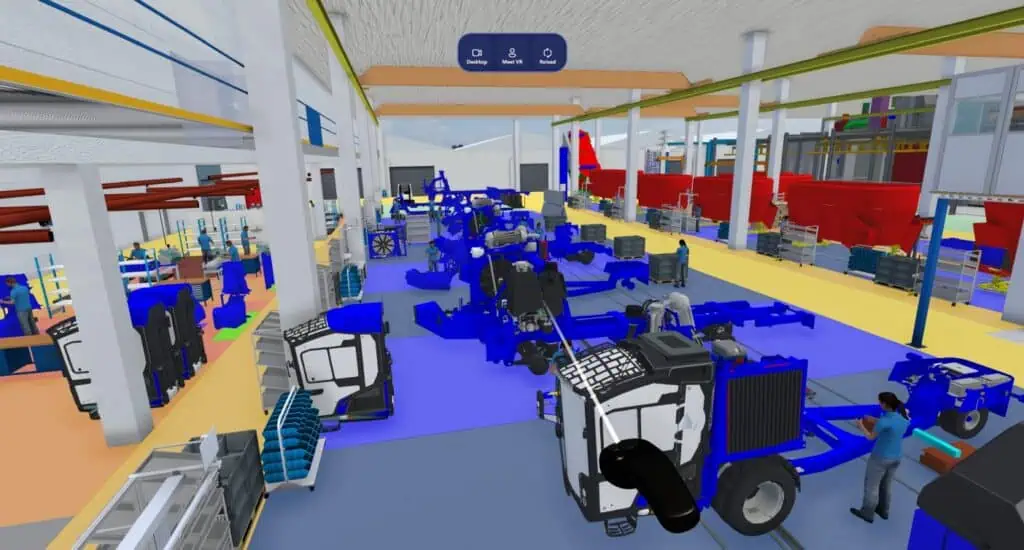
Immersive Walkthrough: Experience Your Virtual Factory
With visTable®VR you experience halls, lines, transport routes, and workstations as if they were already built. Virtual factory planning reveals whether paths are too narrow, sight lines are blocked, or work areas are planned too tightly. This helps you avoid high costs from later modifications.
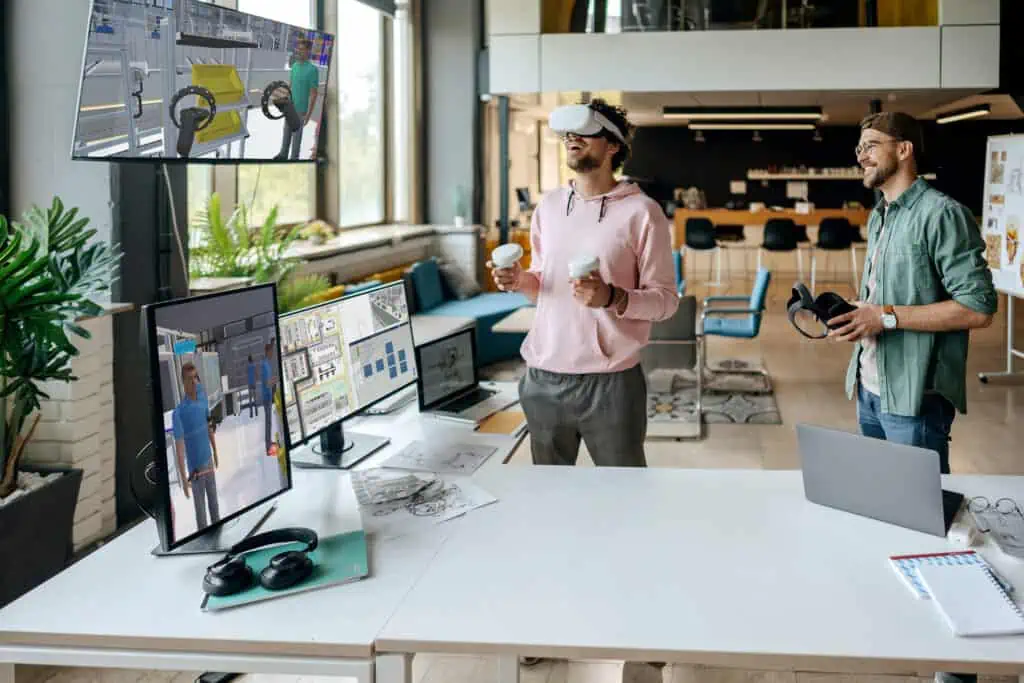
Improve Teamwork: Make Decisions Faster
visTable®VR solves a central problem of factory planning: differing ideas among planners, managers, and employees. In VR, everyone sees exactly the same layout and the same processes – clear, understandable, and without interpretation.
Who Is visTable®VR For?
Production Managers
Factory Planners & Industrial Engineers
Executives & Stakeholders
visTable®VR creates clarity for everyone, regardless of technical background.
Lean Managers
External Partners

“Cold-storage walls are arranged so that they not only meet architectural and structural requirements but also make sense from a production point of view.”
Use VR actively for your factory planning
visTable®VR is part of the visTable® software and enables virtual factory walkthroughs without data export or additional VR software.

Frequently Asked Questions About Virtual Factory Planning
What is a virtual factory?
A virtual factory is the digital, walkable model of a real or planned factory. In visTable®VR, layouts, machines, paths, and processes can be experienced and checked at full scale.
What are the benefits of a virtual factory?
You detect errors, bottlenecks, and risks before they cause costs. Decisions are made faster because everyone involved sees the same virtual environment.
Which VR headsets are supported?
Meta Quest 3, Meta Quest 2, HP Reverb G2, and headsets that support OpenXR/SteamVR.
Can I use visTable®VR with Meta Quest?
Yes – via Quest Link, Air Link, or Virtual Desktop.
Are layout changes shown directly in VR?
Yes. visTable®VR loads the active visTable® layout and shows changes immediately after reloading.
Do I need CAD skills for VR?
No. VR is designed precisely to help non-planners understand the factory.
Can I meet other people in VR?
Currently not in a shared multi-user session, but several people can experience the same VR view one after another.
What hardware do I need?
A VR-capable graphics card (e.g. Nvidia RTX 3070 or better), Windows 10/11, and a compatible headset.