Tutorials
Workstation Design in visTable®
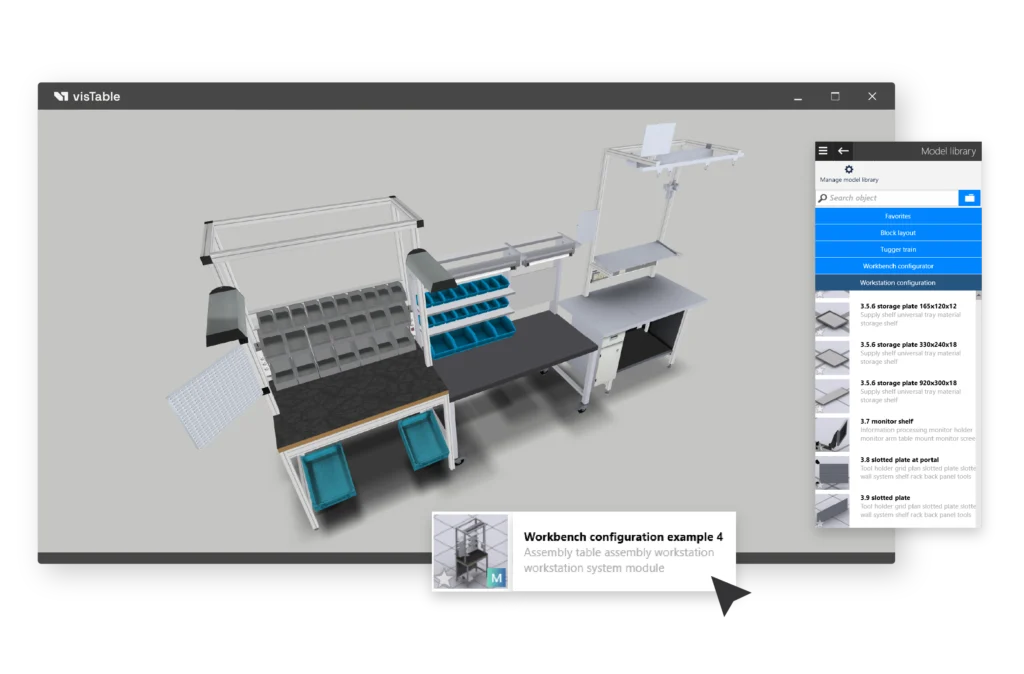
Designing custom workstation systems is fast and intuitive with visTable®'s drag-and-drop interface. The extensive model library includes specialized catalogs tailored for this purpose. Unlike conventional, resource-heavy CAD configurators, all components are built using a low-poly concept, ensuring maximum 3D performance and fluid navigation at all times.
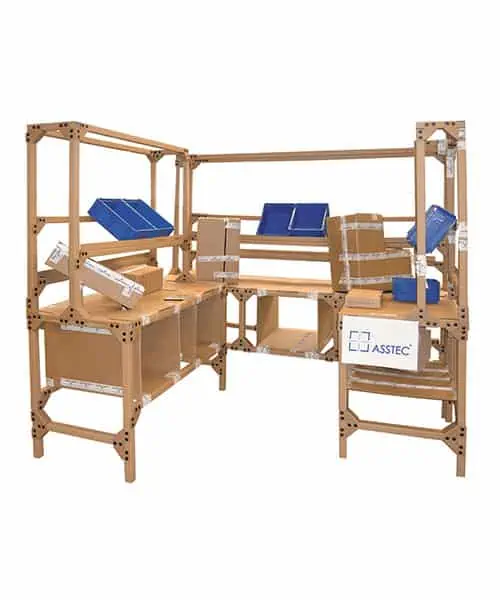
Pipe & Joint System Catalog: Construction components and modules for widely used, cost-effective 28 mm steel tube solutions.
Workstation Configuration Catalog: Versatile components and modules designed for aluminum industrial profile workstation solutions.
Workbench Configurator Catalog: Heavy-duty workbench components ideal for handling heavy parts or equipping workstations in mechanical production environments.
Video Tutorials for Workstation Design
You must open a layout document before you can apply the contents of the video tutorials. Use a new or an existing visTable® layout document for integration of floor plans.
Video Playlist
- Model Search Function
- Snapping
- Create your own 3D models
- Object Properties
- Importing 3D Objects
- 2D and 3D color
- Copying Objects
- Create array
- Align function
- Tilt
- Group function
- Replace objects
- Safety Clearances
- Create dimensions
Practical Video Tutorials
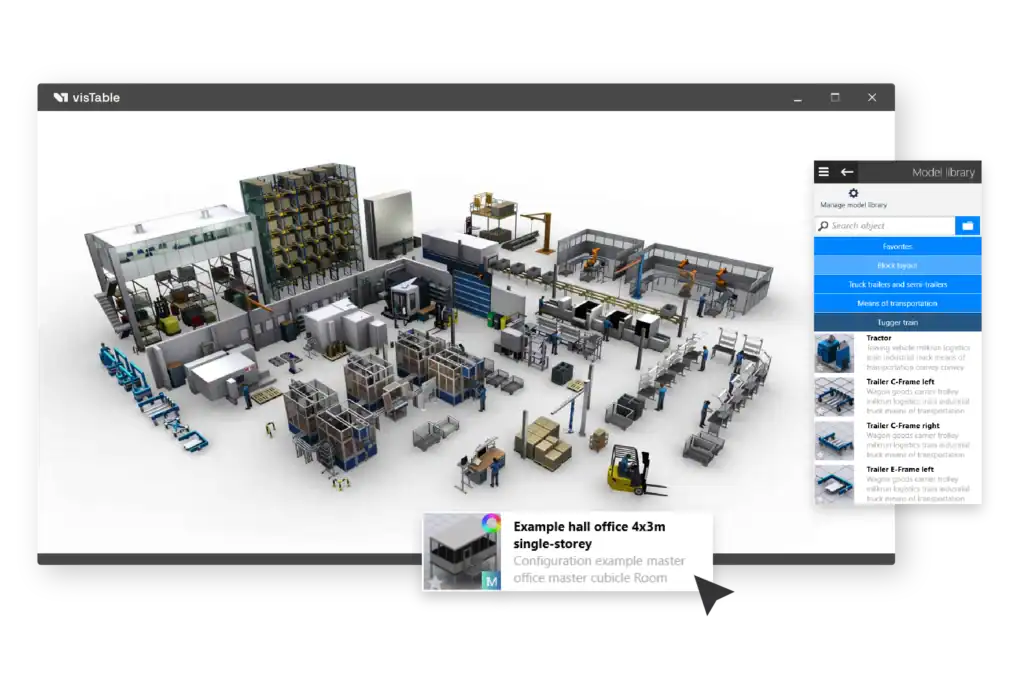
Own Model Libraries
Read more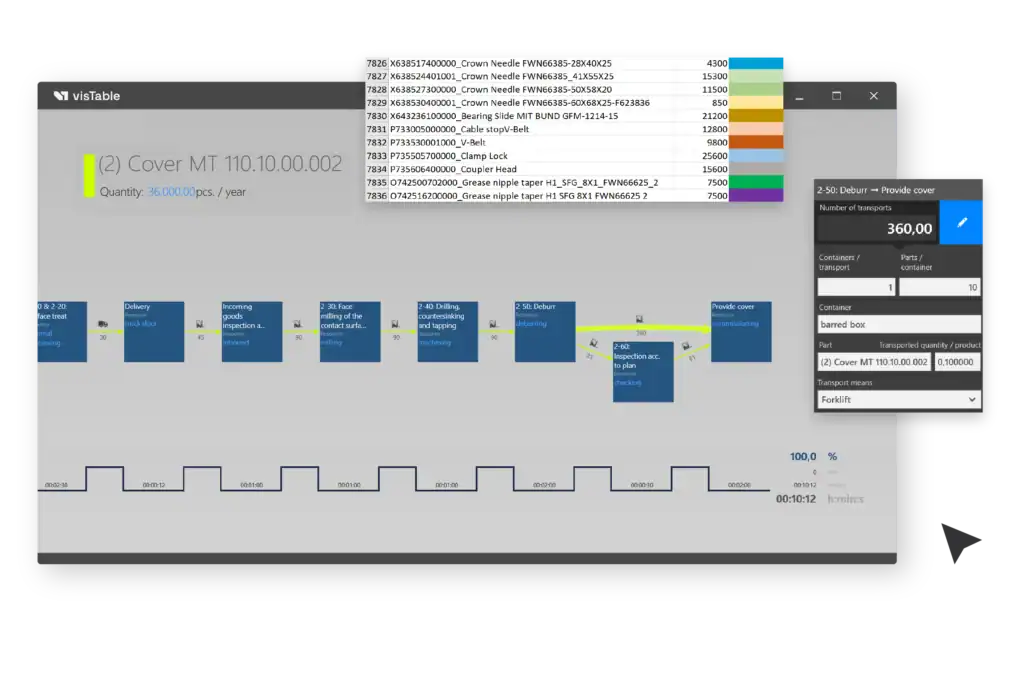
Value Stream Design
Read more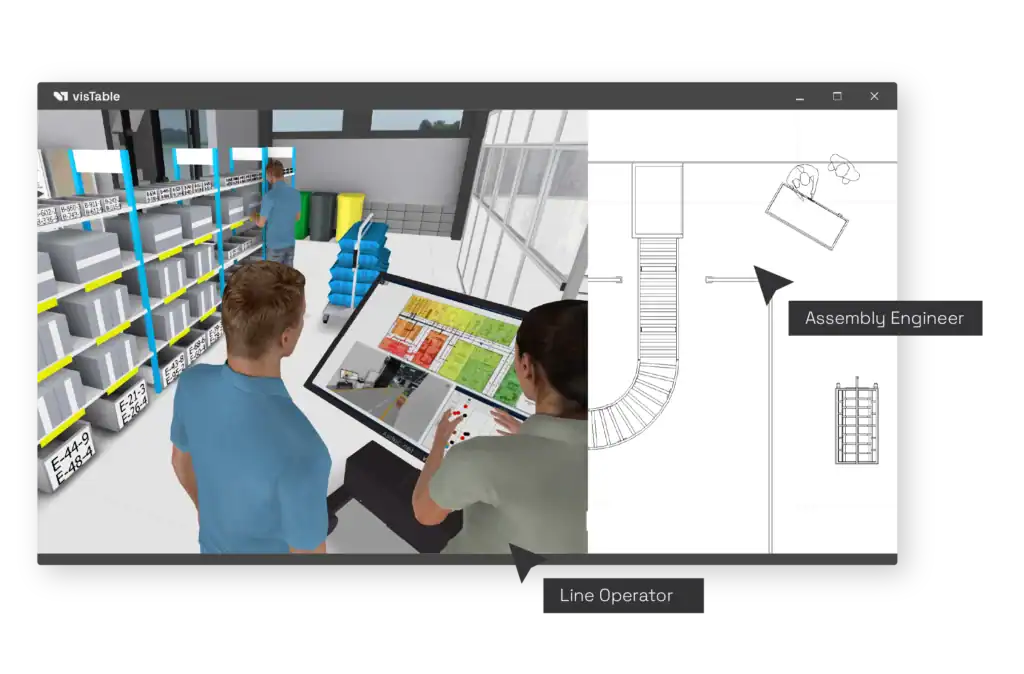
Integration of Stakeholders
Read moreOnline Documentation
Looking for more details? The visTable® Online Help provides comprehensive documentation for every software feature, including overview diagrams, short videos, and step-by-step explanations. Each visTable® app also includes a dedicated getting started guide to help you learn the fundamentals quickly.